
90 Day Timeline Google Slides Template
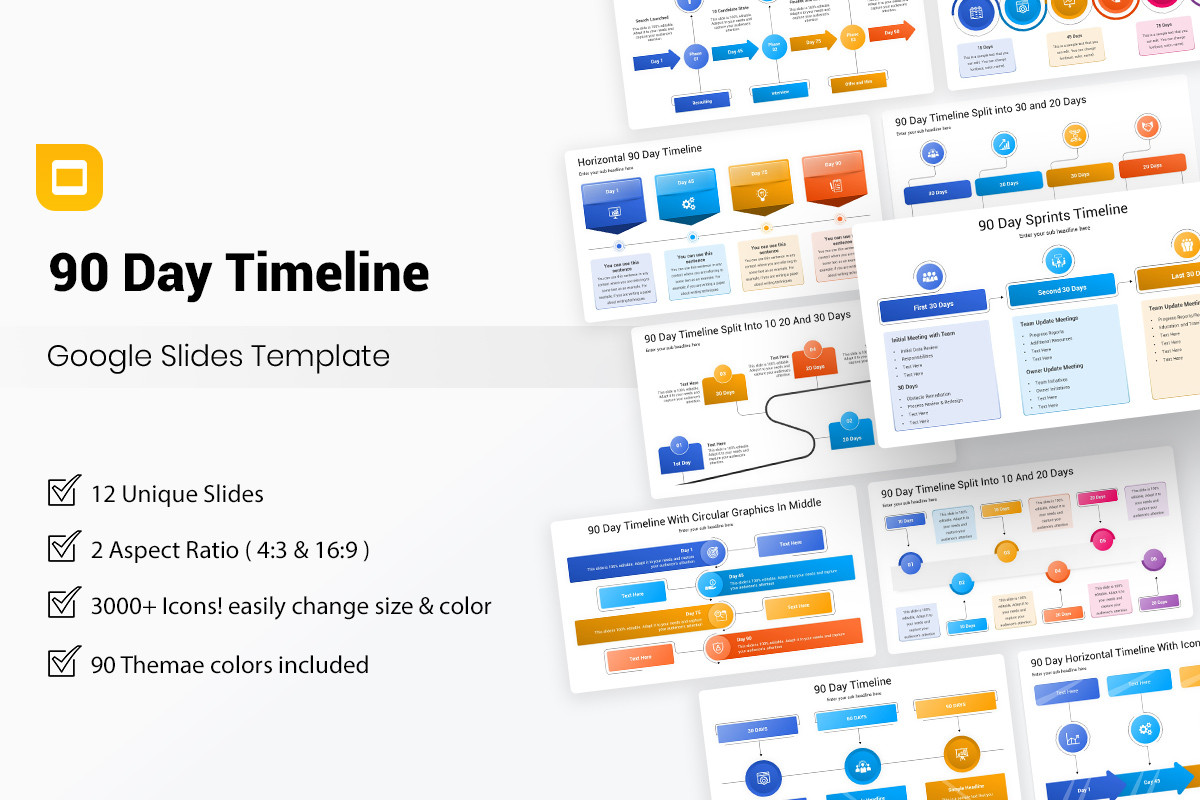




The 90 Day Timeline Google Slides Template is a strategic planning tool designed to help businesses, project managers, and professionals outline goals, track progress, and execute plans over a three-month period. Whether you're launching a new initiative, managing a project, or setting performance objectives, this template provides a clear visual roadmap for achieving success within 90 days.
Purpose:
- Business Leaders & Executives – Establish and communicate short-term strategies.
- Project Managers – Define milestones and monitor project phases.
- Sales & Marketing Teams – Plan campaigns and track key performance indicators.
- HR & Talent Management – Develop onboarding and training programs.
- Consultants & Entrepreneurs – Execute business strategies efficiently.
How to Use:
- Set Clear Objectives – Define your 90-day goals and outcomes.
- Break Down Phases – Organize the timeline into 30, 60, and 90-day milestones.
- Assign Tasks & Responsibilities – Allocate action items to ensure accountability.
- Monitor & Adjust – Track progress and refine the plan as needed.
- Communicate Progress – Use the template for stakeholder updates and team alignment.
Features:
- Structured 30-60-90 day layout for phased planning.
- Customizable sections to fit various industries and goals.
- Visual timeline graphics for easy understanding.
- Milestone tracking to monitor achievements.
- Editable design to adapt to your branding and workflow.
Key Features:
- 12 Clean & Creative slides
- 2 Aspect Ratio ( 4:3 & 16:9 )
- 90 Color Themes included
- Just One Click to change the colors and auto recolored
- Free Fonts and Icons
- Fully and Easily editable content
- 3000+ Icons! easily change size & color
Please sign to comment this item.
Report This Item
Please sign in to report this item.

 SlideScan

 Grafiker
 jack-des
 Belek
Belek